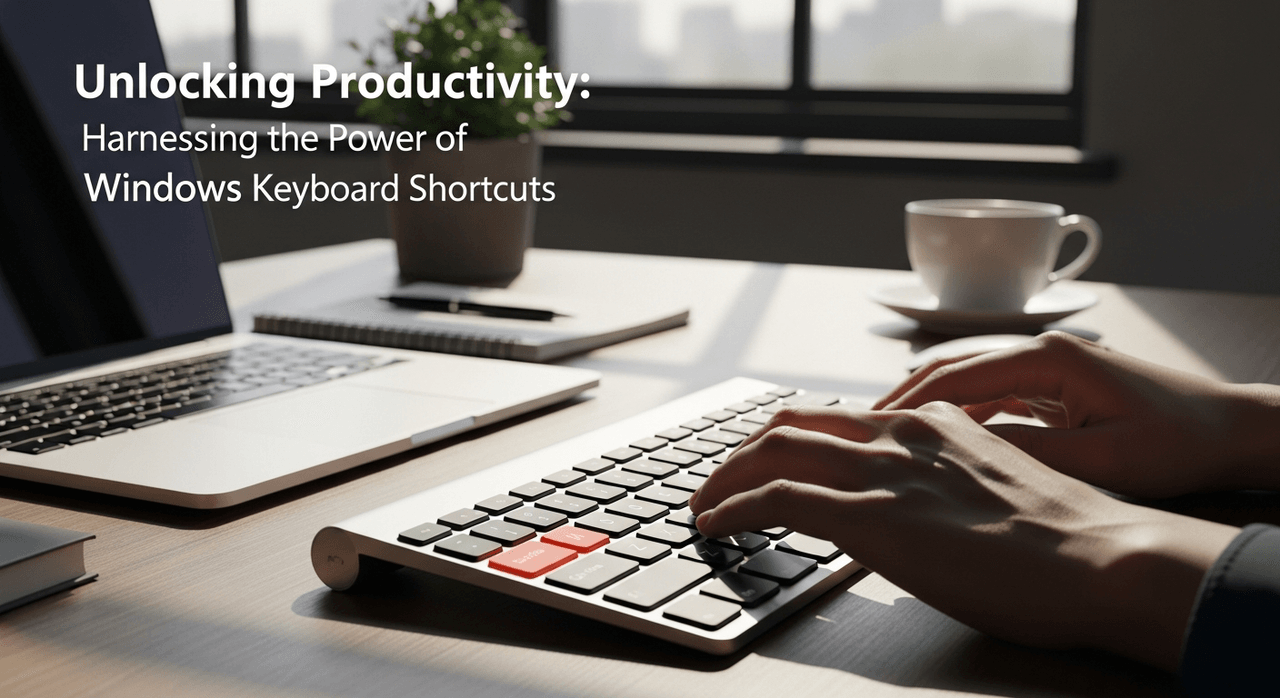


Have you ever had one of those days where you felt like your computer was working against you, dragging time away? I certainly have. One afternoon, while struggling to copy and paste a document with what felt like a million mouse clicks, I stumbled upon a treasure trove of Windows keyboard shortcuts. Little did I know, these simple key combinations would transform my productivity and alter my daily workflow. Join me as I share my journey into mastering these tools and the benefits they've brought to my life.
The Impact of Keyboard Shortcuts on Productivity
In today’s fast-paced digital world, efficiency is more crucial than ever. One significant way to boost productivity is by mastering keyboard shortcuts. But what does the data say? A study from Brainscape reveals that individuals who utilize shortcuts can save an incredible 8 days of work annually. That’s a lot of time to reclaim!
Understanding the Statistics
- According to Microsoft, using shortcuts can help users complete tasks 50% faster.
- Frequent shortcut users experience less fatigue, making their work more enjoyable.
Imagine this: it’s 4 PM on a Friday. You’ve got a long list of tasks that need to be completed. Suddenly, you remember those keyboard shortcuts you’ve been trying to implement. As you start using them, that looming deadline seems less intimidating.
My Shortcut Transformation
Let me share a personal story. Last month, I decided to focus on utilizing keyboard shortcuts more effectively. As I began, I felt the heaviness of the day lift. Tasks that once took what felt like eons were suddenly effortless. Copying files? Ctrl + C then Ctrl + V. Saving documents? Ctrl + S was at the ready. Each time I employed a shortcut, it felt as though I was slicing through my work with precision.
In just one day, I saved over an hour. That’s time I could spend on creative projects or even relaxing! I found myself pondering the wisdom of Benjamin Franklin:
“Lost time is never found again.”This quote could not ring truer; every minute saved contributes to productivity and personal satisfaction.
Time Savings Illustrated
The impact of shortcuts is compelling. Here’s a simple comparison of time spent with and without these handy tools:
| Task | Time Spent Without Shortcuts | Time Spent With Shortcuts |
|---|---|---|
| Document Editing | 60 minutes | 30 minutes |
| File Management | 45 minutes | 22.5 minutes |
| Task Switching | 15 minutes | 7.5 minutes |
This infographic shows that by implementing shortcuts, we can effectively reduce our work time and maximize performance. Isn’t it exciting to think about the potential free time you could gain?
That’s the power of keyboard shortcuts—a tool to transform our work lives for the better. Whether you’re navigating spreadsheets, crafting emails, or managing projects, shortcuts are waiting to be embraced.
Essential Shortcuts for Everyday Use
In the fast-paced world of digital tasks, keyboard shortcuts serve as a person's best friend. Imagine a scenario where you can perform everyday functions without the hassle of clicking around. I’m talking about the basic keyboard shortcuts like Ctrl + C for copying and Ctrl + V for pasting. These shortcuts can make your life a lot easier. They are not just a techy jargon; they are vital tools in enhancing productivity.
Streamlining Daily Tasks
Have you ever felt overwhelmed by the amount of clicking you need to do? This is where keyboard shortcuts shine. By unlocking the power of shortcuts, I can complete daily tasks in a fraction of the time. For instance, instead of highlighting text with the mouse and navigating to the edit options, I simply press Ctrl + C to copy. Then, a quick press of Ctrl + V pastes it wherever I need. This process dramatically simplifies what would otherwise be a tedious task.
Real-Life Applications
Now, let’s consider some practical examples of these shortcuts:
- Copying text: When I want to use information from a webpage or document again, I can easily select and copy it. Using
Ctrl + Cand thenCtrl + Vin a new document saves time. - Saving documents: Instead of fumbling through menus, hitting
Ctrl + Speriodically can be a lifesaver. It helps avoid losing work due to unexpected crashes. - Undoing mistakes: We all make mistakes. Pressing
Ctrl + Zallows me to backtrack instantly, which gives a sense of control.
Adopting these shortcuts is more than just convenience. It can lead to serious time savings—about 64 hours yearly, according to a study by Brainscape. Isn’t that worth a few minutes of learning?
Incorporating Shortcuts into Daily Routines
Now that I understand their significance, how can I incorporate these shortcuts seamlessly into my daily life? One way is to practice them regularly. I can start small. For example, every time I sit down to work, I can remind myself to use Ctrl + S every 15 minutes.
In summary, mastering simple keyboard shortcuts can elevate my efficiency. With just a little effort, I’m opening the door to a smoother, more manageable digital experience. Let’s embrace these tools and enhance our productivity!
Advanced Shortcuts and Customization Options
In today's fast-paced digital world, mastering advanced shortcuts can greatly improve our productivity. Did you know that some shortcuts, like Windows + G, can open the Game Bar, allowing you to take screenshots or record your screen quickly? Or that Windows + Ctrl + Shift + B can reset your graphics driver? These features are not just for gamers; they’re valuable for anyone aiming to streamline their workflow.
Understanding Advanced Features
- Windows + G: Access the Game Bar for easy screen capturing and recording.
- Windows + Ctrl + Shift + B: Instantly resets your graphics driver, helping to resolve visual issues.
These advanced shortcuts save time and frustration, allowing us to focus on what truly matters—our work. But how do we take it a step further?
Customizing Your Shortcuts
Customization is like seasoning a dish. It enhances the flavor to match your taste. Windows enables us to create bespoke shortcuts tailored to our unique workflows. You can assign specific commands through the Properties window of application icons. This level of personalization can make a significant difference in productivity.
Additionally, tools like AutoHotkey empower us to build intricate shortcuts. Imagine combining several commands into one stroke! For instance, pressing a single key can open your favorite applications, run scripts, or even execute an entire series of actions. It’s like having a magic wand for your computer!
The Impact of Personalization on Workflow Satisfaction
Personalization isn’t just about convenience; it leads to greater satisfaction. Do you ever find routines tedious? When we customize our digital interactions, we begin to enjoy using our devices more. This can drastically improve our workflow. A happy worker is a productive one! Studies suggest that users who actively customize their shortcuts report a considerable boost in job satisfaction.
In conclusion, exploring these advanced shortcuts and customization options can transform our daily computing tasks. With a little effort, we can unlock the full potential of our keyboards. Who wouldn't want to gain more time for personal activities? The journey to productivity starts here, and every pressed key gets us closer.
Accessibility Features Embedded in Shortcuts
Accessibility shortcuts are like secret keys to unlock the full potential of our digital lives. They allow everyone, regardless of ability, to navigate technology easily. Why should anyone struggle with software? We all deserve an inclusive experience. That's where these shortcuts come in.
Understanding Accessibility Shortcuts
Accessibility shortcuts cater to users with different needs, ensuring they can use technology just as effectively as anyone else. In modern software, this emphasis on accessibility is crucial. It's not just about usability; it’s about empowering everyone.
- Improves productivity: These shortcuts boost efficiency for all users.
- Enhances inclusivity: They support users with varying abilities.
- Encourages independence: Shortcuts allow users to navigate without relying solely on assistive tools.
Windows + U: A Gateway to Ease of Access
One of the most important shortcuts is Windows + U. This opens the Ease of Access Center, a dedicated hub for accessibility features. It showcases various tools that can adjust your computing experience according to personal needs.
For example, if someone has trouble reading small text, they might use the zoom functionalities. These can be activated easily. Simply press Windows + Plus (+) to zoom in and Windows + Minus (-) to zoom out. It's super useful for making everything easier to read.
A Personal Experience
I once helped a friend who was struggling to read the fine print on their screen. They felt overwhelmed. After showing them how to use Windows + U and the zoom shortcuts, I saw their frustration fade away. They could finally read what they needed without squinting or straining. It was a small change, but it made a big difference.
This experience highlighted how powerful simple shortcuts can be. They transform the way users interact with their devices. What might seem trivial can actually lead to significant improvements in everyday tasks.
In conclusion, exploring accessibility shortcuts isn’t just for tech-savvy individuals. It’s for everyone who wants a smoother, more inclusive experience. Embracing these tools enriches the lives of many, promoting a culture where technology is truly accessible.
Integrating Shortcuts into Daily Routines
In today's fast-paced digital world, we need to maximize efficiency. One of the best ways to do this is by integrating keyboard shortcuts into our daily routines. But how exactly can we do that? Here are some tips and insights to help us leverage these shortcuts.
Tips for Incorporating Shortcuts
- Start small. Focus on a few key shortcuts that you frequently use. For instance,
Ctrl + Cfor copying andCtrl + Vfor pasting are great starting points. - Create a dedicated list of your most-used shortcuts. Place it near your workstation. Having visual reminders can prompt you to use them.
- Practice consistently. The more I use shortcuts, the more instinctive they become.
We often underestimate the simplicity of shortcuts. It’s like learning to ride a bike. Initially hard, but it becomes second nature with practice. Think about your daily tasks. Are they monotonous? Shortcuts can slice through that monotony. They transform tedious tasks into manageable ones.
Potential Time Savings
Integrating these shortcuts into our work and personal tasks can lead to substantial time savings. By adopting a consistent practice, it’s estimated that we can save around 64 hours yearly. Just imagine: that’s almost a week and a half of your time back!
| Shortcut Usage | Estimated Time Savings |
|---|---|
| Daily Shortcuts | Approx. 64 hours yearly |
Final Thoughts on Embracing Shortcuts
Adopting keyboard shortcuts as a habit truly enhances our productivity. It’s not just about speed; it’s about creating a healthier workflow that minimizes strain on our bodies and minds. By freeing up time for personal pursuits, we enhance our overall satisfaction in the digital workspace.
Ultimately, mastering these keyboard shortcuts requires a bit of effort in the beginning. However, the long-term benefits—both for our work and personal lives—are worth it. By consciously integrating shortcuts into our daily tasks, we can significantly optimize our digital experience. It’s time to embrace these habits and witness the transformation!